Image to SVG,
instantly.

Victorizer converts raster images into clean, scalable vector graphics — powered by AI analysis for optimal results every time.

Get Your SVG in Seconds

How It Works

Upload an image, let AI analyze it, and download a crisp SVG — in three simple steps.

1

Upload Your Image

Drop any PNG, JPEG, GIF, or WebP file. Victorizer handles logos, photos, sprites, illustrations, and more.

2

AI-Powered Analysis

Claude Vision analyzes your image and recommends the best tracing settings — colors, threshold, smoothing, and mode.

3

Download Your SVG

Get a clean, optimized SVG vector file. Fine-tune settings, preview paths, and export in seconds.

Turn raster images into scalable SVG vectors

Upload PNG, JPEG, GIF, or WebP files and get crisp, resolution-independent SVGs in seconds — perfect for logos, icons, and illustrations that need to look sharp at any size.

Vectorize an Image
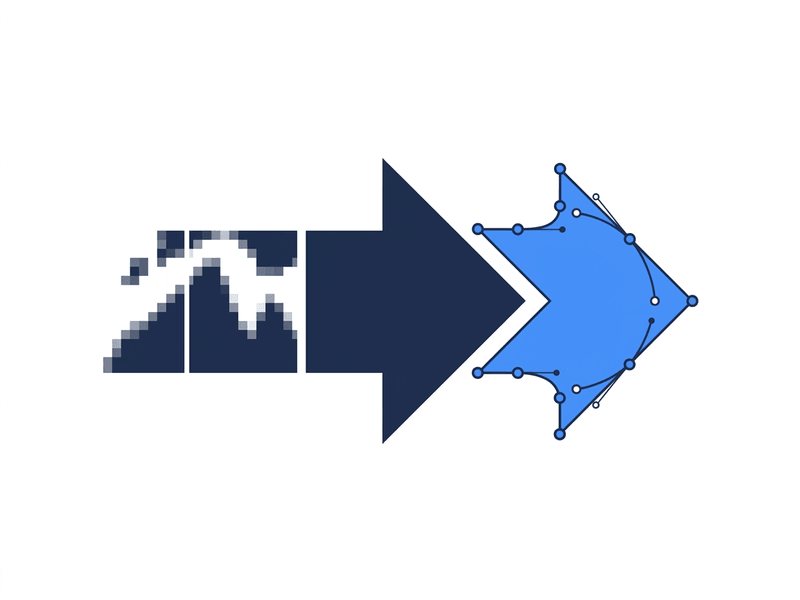
Raster PNG file being converted into a clean SVG vector with bezier paths

Let AI pick the right tracing settings

Claude Vision analyzes your image's type, complexity, and content to recommend the optimal mode, color count, and threshold — so you get a great result on the first try, no tweaking required.

Try AI Analysis
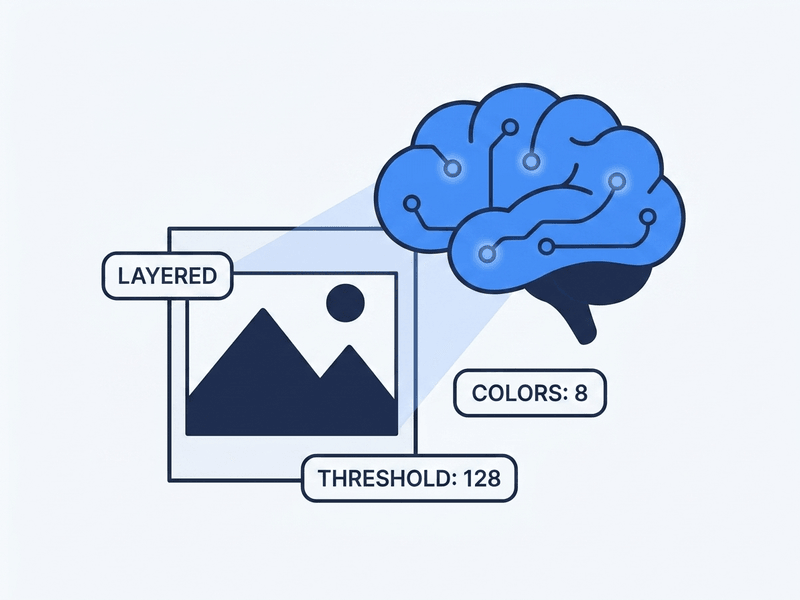
AI analyzing an image and suggesting optimal tracing settings

Preserve every detail you care about

Choose from five tracing modes — layered, posterize, black & white, color, or outline — and fine-tune smoothing, threshold, and color palettes to keep the details that matter to your design.

Explore Modes
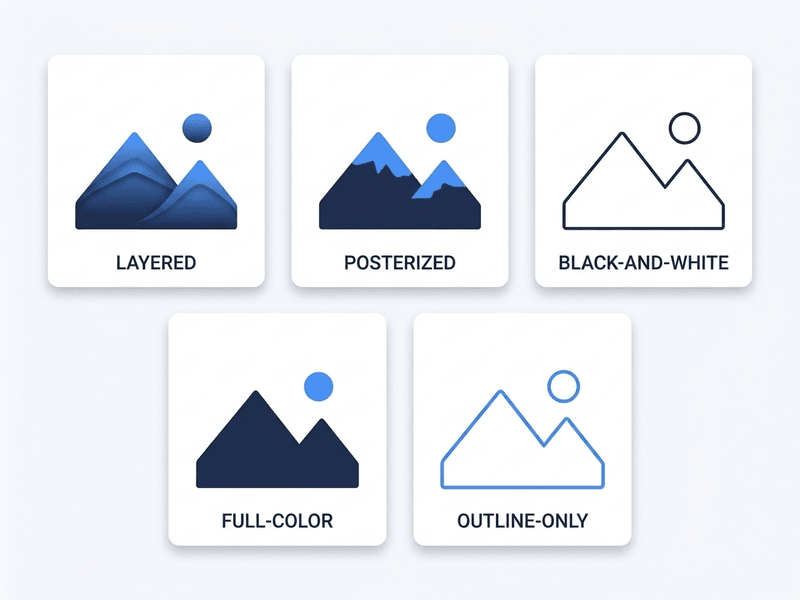
Five tracing modes side by side: layered, posterized, black-and-white, color, and outline

From single images to whole sprite sheets

Vectorize one logo or extract every sprite from a sprite sheet in one go. Each detected region exports as a clean, optimized SVG inside a single ZIP — ready to drop into your project.

Convert a Sprite Sheet
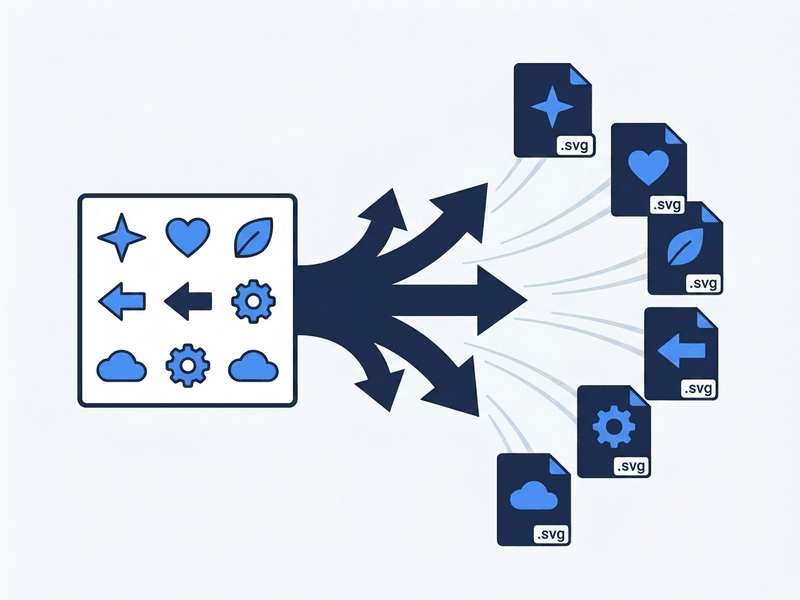
Sprite sheet being split into individual SVG files

Powerful Features

Everything you need for professional-grade image-to-SVG conversion.

5 Tracing Modes

Layered, posterize, black & white, color, and outline modes — each optimized for different image types.

Sprite Sheet Extraction

Automatically detect and individually vectorize sprites from sprite sheets. Export as a ZIP of clean SVGs.

Smart Editor

Remove text, extract subjects, and clean up images before vectorizing — all powered by AI.

AI Recommendations

Claude Vision analyzes your image type, complexity, and content to suggest optimal tracing parameters.

Real-Time Preview

Toggle path visualization, zoom in, and compare before and after — all in real time.

Optimized Output

Every SVG passes through SVGO optimization for minimal file size with maximum visual fidelity.

Ready to Vectorize?

Start converting your images to clean SVG vectors for free.

Open Victorizer Join the Waiting List